JJSploit DLL Error: Causes, Fixes & Step-by-Step Solutions (2026)
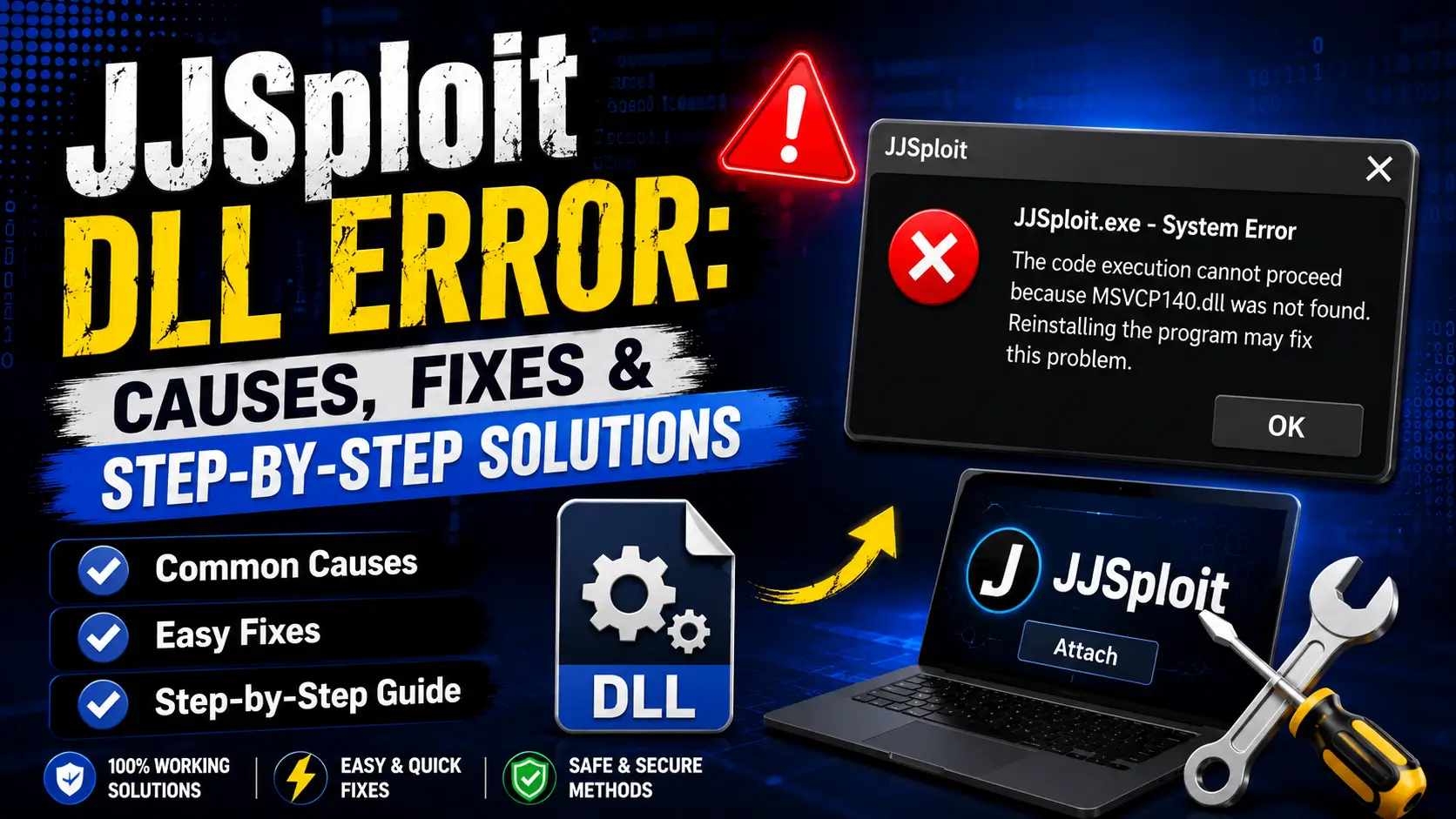
Seeing a DLL error when launching JJSploit? You’re not alone. DLL errors are the most frustrating roadblock because they don’t tell you why something broke just that a file is missing, corrupted, or blocked. This guide cuts through the noise. No generic “restart your PC” advice. Every fix here targets the specific DLL errors JJSploit users actually encounter, with the exact steps to resolve them
What Is a JJSploit DLL Error?
A DLL (Dynamic Link Library) error occurs when JJSploit tries to load a required library file and Windows says no. This happens because JJSploit relies on external DLLs to inject into Roblox and if even one file is missing, outdated, corrupted, or blocked, the entire injection chain collapses.
Unlike a simple “Attach Failed” message, DLL errors often appear as cryptic Windows pop-ups with codes like 0x8007007E, DLL not found, or The application was unable to start correctly. Understanding which type you’re dealing with is half the fix
Types of JJSploit DLL Errors
Not all DLL errors are the same. Each type needs a different fix.
| Error Type | What You See | Root Cause |
|---|---|---|
| Missing DLL | “X.dll was not found” | File deleted by antivirus, failed auto-update, or incomplete download |
| Corrupted DLL | “X.dll is either not designed to run on Windows or it contains an error” | Download interrupted, disk error, or bad extraction |
| Blocked DLL | “Windows cannot access the specified device, path, or file” | Antivirus quarantine, Windows Defender SmartScreen, or group policy restriction |
| Incompatible DLL | “The procedure entry point could not be located in X.dll” | Roblox updated but JJSploit DLL is outdated |
| Runtime DLL Error | “Microsoft Visual C++ Runtime Library Error” | Missing Visual C++ Redistributable |
Quick Diagnosis: Which DLL Error Do You Have?
Before diving into fixes, identify your error in 30 seconds:
- Read the exact error message screenshot it if possible
- Note when it happens on launch, during auto-update, or at attach?
- Check the DLL name is it a JJSploit file (like
JJSploit.dll) or a Windows system file (likeMSVCP140.dll)? - Look at the error code
0x8007007Emeans missing file,0x80004005means access denied
💡 Pro Tip: Press
Win + Shift + Sto screenshot the error. Most DLL error dialogs contain the exact file name and path critical info for finding the right fix.
Fix 1: Missing DLL Restore From Antivirus Quarantine
When this happens: You launch JJSploit and see “JJSploit.dll (or similar) was not found.”
Why it happens: Your antivirus detected the DLL’s injection behavior and silently deleted it. This is the #1 cause of missing DLL errors.
Step-by-Step Fix:
Windows Defender:
- Open Windows Security → Virus & threat protection
- Click Protection history
- Look for entries with “Quarantined” status and
JJSploitor.dllin the name - Click the entry → Actions → Restore
- Immediately add the JJSploit install folder to exclusions (see below)
Third-Party Antivirus (Norton, McAfee, Avast):
- Open your antivirus dashboard
- Find Quarantine, Virus Chest, or Threat History
- Locate the deleted DLL file
- Click Restore or Add to Exclusions
- Add the entire JJSploit install folder to your permanent whitelist
Expected Result: The DLL file reappears in the JJSploit install folder. Relaunch JJSploit the error should be gone.
⚠️ If the file is not in quarantine: Your antivirus may have permanently deleted it. Proceed to Fix 2.
Fix 2: Corrupted DLL Force Re-Download via Auto-Updater
When this happens: The DLL file exists but Windows says it’s corrupted or “not designed to run on Windows.”
Why it happens: The auto-updater downloaded a partial file (interrupted connection), or the installation was interrupted.
Step-by-Step Fix:
- Close JJSploit completely (check Task Manager for background processes)
- Open the folder JJSploit installed into
- Delete the following files (not the entire folder):
- Any file ending in
.dll - Any file named
updateorpatch - The
cacheortempfolder if it exists
- Any file ending in
- Right-click
JJSploit.exe→ Run as Administrator - The auto-updater will detect missing DLLs and re-download them fresh
- Wait for the status bar to show “Update complete” or “Ready”
Expected Result: New DLL files appear in the folder, and JJSploit launches without the corruption error.
💡 Pro Tip: If the auto-updater itself fails, your ISP may be blocking WeAreDevs. Switch to a VPN (ProtonVPN, Cloudflare Warp) and retry.
Fix 3: Blocked DLL — Unblock the File
When this happens: You see “Windows cannot access the specified device, path, or file” or “Access is denied.”
Why it happens: Windows can mark a downloaded file as blocked, so it refuses to load it.
Step-by-Step Fix:
A. Unblock the File (Windows SmartScreen):
- Right-click the DLL file → Properties
- At the bottom, check Unblock if the option exists
- Click Apply → OK
Expected Result: JJSploit can read and load its DLL files without Windows blocking access.
Fix 4: Incompatible DLL Wait for Developer Patch or Manual Update
When this happens: “The procedure entry point could not be located in X.dll” or JJSploit attaches but instantly crashes Roblox.
Why it happens: Roblox pushed an update that changed its internal memory structure. JJSploit’s DLL was built for the old Roblox version and can no longer find the functions it needs to hook into.
Step-by-Step Fix:
Option A: Wait for Auto-Update (Recommended)
- Close JJSploit and Roblox completely
- Re-run
JJSploit.exeas Administrator - The auto-updater checks for a new DLL compatible with the latest Roblox
- If available, it downloads automatically
- Wait for “Ready” status before launching Roblox
Option B: Manual Re-Download
- Visit
wearedevs.net/d/JJSploit - Uninstall JJSploit from Settings → Apps
- Download the latest installer and install it again
Option C: Check Version Compatibility
- Open JJSploit note the version in the title bar
- Visit our version history page
- Check if your version matches the latest working version
- If not, your DLL is outdated update immediately
Expected Result: JJSploit loads the new DLL, attaches to the updated Roblox, and scripts execute normally.
⏳ How long to wait? WeAreDevs says updates usually arrive within the hour or the same day, but some take longer. If it’s been longer, check their official Discord or our version history for status updates.
Fix 5: Runtime DLL Error Install Missing Windows Components
When this happens: “Microsoft Visual C++ Runtime Library Error” or “MSVCP140.dll / VCRUNTIME140.dll not found.”
Why it happens: JJSploit is built using Visual C++ and requires the Microsoft Visual C++ Redistributable runtime libraries. If these are missing or outdated, JJSploit cannot load its own DLLs.
Step-by-Step Fix:
Install Visual C++ Redistributables:
- Go to Microsoft’s official download page:
aka.ms/vs/17/release/vc_redist.x64.exe - Download both:
vc_redist.x64.exe(for 64-bit Windows)vc_redist.x86.exe(for 32-bit compatibility)
- Run both installers as Administrator
- Restart your PC
Update Windows:
- Press
Win + I→ Windows Update - Click Check for updates
- Install all pending updates, especially “Cumulative Updates”
- Restart your PC
Expected Result: Runtime DLL errors disappear because the required Windows libraries are now present.
Fix 6: DLL Injection Blocked by Anti-Cheat (Rare)
When this happens: JJSploit launches fine, but the moment you click Attach, Roblox crashes with a DLL-related error.
Why it happens: Roblox’s anti-cheat (Byfron/Hyperion) has started flagging JJSploit’s injection DLL. This is an arms race developers patch, Roblox updates detection, cycle repeats.
What You Can Do:
- Ensure you’re on the latest JJSploit version older DLLs are more likely to be detected
- Try attaching in a less populated Roblox game some games have heavier anti-cheat monitoring
- Wait for a developer patch if the DLL is globally detected, only WeAreDevs can fix it
- Consider alternatives temporarily Solara or Wave may have newer injection methods
⚠️ Important: There is no user-side fix for a globally detected DLL. Any site claiming “undetected DLL download” is a scam. Only trust downloads and updates from jjsploits.org or
wearedevs.net.
DLL Error Reference Table
| Error Code / Message | Error Type | Primary Fix | Secondary Fix |
|---|---|---|---|
0x8007007E Module not found | Missing DLL | Fix 1: Restore from quarantine | Fix 2: Force re-download |
0x80004005 Unspecified error | Blocked DLL | Fix 3: Unblock the file | Fix 1: Restore from quarantine |
0xc000007b Application unable to start | Runtime / Architecture mismatch | Fix 5: Install VC++ Redistributables | Fix 5: Install both x64 and x86 versions |
MSVCP140.dll not found | Missing Runtime | Fix 5: Install Visual C++ Redistributable | Fix 5: Update Windows |
VCRUNTIME140_1.dll not found | Missing Runtime | Fix 5: Install latest VC++ Redistributable | Fix 5: Restart PC |
The procedure entry point could not be located | Incompatible DLL | Fix 4: Wait for patch / Manual update | Fix 4: Check version compatibility |
Access is denied | Blocked DLL | Fix 3: Run as Administrator | Fix 1: Restore from quarantine |
DLL is either not designed to run on Windows | Corrupted DLL | Fix 2: Delete and re-download | Fix 2: Reinstall with the latest installer |
Prevention: Stop DLL Errors Before They Happen
Prevention Step | How to Do It | Why It Works |
|---|---|---|
Permanent antivirus exclusion | Add the JJSploit install folder to exclusions once, keep it forever | Stops antivirus from deleting DLLs on every update |
Keep VC++ Redistributables updated | Check Microsoft downloads quarterly | Ensures runtime compatibility |
Don’t move files after first run | Keep JJSploit in its original folder | Auto-updater knows where to place new DLLs |
Use a VPN if ISP blocks updates | ProtonVPN or Cloudflare Warp | Prevents incomplete DLL downloads |
Check version before Roblox sessions | Compare with our version history | Catches outdated DLLs before they cause errors |
When Nothing Works: Nuclear Option (Clean Reinstall)
If you’ve tried every fix above and still see DLL errors, start completely fresh:
- Uninstall JJSploit:
- Uninstall JJSploit from Settings → Apps
- Clear
%temp%folder (pressWin + R, type%temp%, delete all) - Clear Windows Prefetch:
C:\Windows\Prefetch(delete JJSploit-related files)
- Clean Antivirus:
- Remove old JJSploit exclusions
- Re-add the JJSploit install folder as a fresh exclusion
- Re-Download:
- Visit
wearedevs.net/d/JJSploit - Download the latest installer and run it
- Run as Administrator
- Visit
- Verify Windows:
- Run
sfc /scannowin Command Prompt (Admin) to check for corrupted system files - Run
DISM /Online /Cleanup-Image /RestoreHealthto repair Windows image
- Run
- Test:
- Launch JJSploit
- Let auto-updater complete
- Attach to Roblox
Expected Result: A completely clean environment eliminates any lingering corrupted files, registry conflicts, or antivirus grudges.
FAQs About JJSploit DLL Errors
Conclusion
JJSploit DLL errors look scary but follow a predictable pattern: missing files (antivirus), corrupted files (bad downloads), blocked files (Windows security), incompatible files (Roblox updates), or missing runtimes (Windows components). The key is reading the error message carefully to identify which type you’re dealing with, then applying the targeted fix instead of generic troubleshooting.
Start with Fix 1 (antivirus quarantine) since that’s the most common cause. If the DLL file is present but won’t load, move to Fix 3 (unblock the file). For version mismatch errors, Fix 4 is your only path. And for cryptic runtime errors, Fix 5 installs the Windows libraries JJSploit depends on.
If every fix fails, the clean reinstall (nuclear option) resets everything to a known-good state. Just remember: always download from the official source, always exclude your JJSploit folder from antivirus, and never trust “DLL download” sites.