JJSploit Not Opening? 6 Fixes When It Won’t Launch on Windows
JJSploit not opening? You double-click the icon, maybe see a flash of a window or the loading screen, and then nothing. No error, no JJSploit, just the desktop. This is a different problem from JJSploit opening fine but failing to attach, and it has different causes. In almost every case we have looked at, the app is being stopped by one of four things: your antivirus removed a file it needs, a Windows runtime it depends on is missing, a previous JJSploit process is still stuck in the background, or the launcher is hanging on its update check. The fixes below are ordered from most to least likely, and each one takes a couple of minutes.
Before anything else: if Roblox updated in the last few hours, JJSploit’s launcher can stall while it waits for the matching patch from WeAreDevs. Check the JJSploit status page first. If the tool is down for everyone, none of the fixes below will help until the patch lands, usually the same day.
Quick Diagnosis: Which “Not Opening” Do You Have?
| What you see | Most likely cause | Go to |
|---|---|---|
| Nothing happens at all, no window | Antivirus deleted or blocked the main executable or DLL | Fix 1 |
| Window flashes for a second, then closes | Missing Visual C++ runtime, or a corrupted install | Fix 2, Fix 5 |
| “JJSploit is already running” or nothing on second launch | Stuck background process | Fix 3 |
| Stuck on the loading / updating screen | Update server unreachable, or Roblox just updated | Fix 4 |
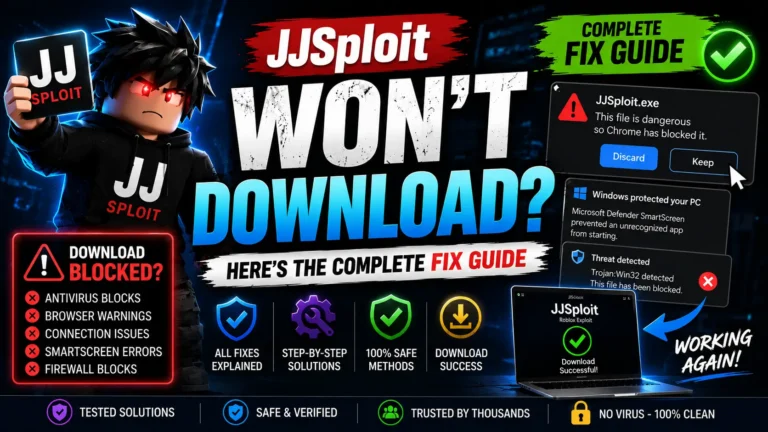
| Windows warning: “Windows protected your PC” | SmartScreen blocking an unknown publisher | Fix 6 |
| Opens, but attach does nothing | Not a launch problem | Attach guide |
Fix 1: Restore the Files Your Antivirus Removed
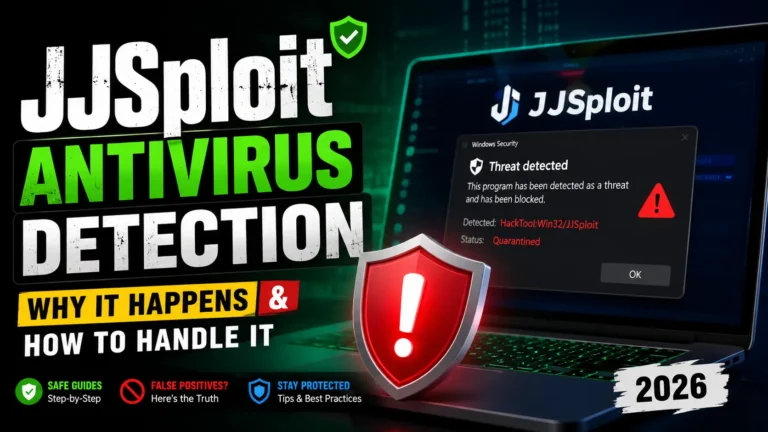
This is the number one cause, and it often happens silently. Windows Defender and most third-party antivirus tools flag executors as “HackTool” or similar and quarantine part of the install, sometimes days after you first used JJSploit, when a definition update catches up. The launcher then has nothing to run. WeAreDevs’ own page says plainly that antivirus software “may incorrectly flag JJSploit” and tells you to whitelist it.
- Open Windows Security → Virus & threat protection → Protection history. Look for entries from the last few days mentioning JJSploit, WeAreDevs, or a path containing
JJSploit. - For each one, choose Actions → Restore. If you use a third-party antivirus, open its quarantine and restore from there.
- Add the JJSploit install folder to exclusions so it does not happen again: Virus & threat protection settings → Exclusions → Add an exclusion → Folder.
- Launch JJSploit again. If the files were deleted rather than quarantined, skip to Fix 5 and reinstall.
Only exclude the folder, never the whole drive, and only for a file you downloaded from the official source. The antivirus detection guide explains how to tell a generic HackTool flag from a real infection.
Fix 2: Install the Visual C++ Redistributable
JJSploit depends on Microsoft’s Visual C++ runtime. On a fresh Windows install, or one that has never had many games installed, it can be missing, and the app closes the instant it starts because a required DLL is not on the system. WeAreDevs lists installing the Visual C++ Redistributable as a fix on its official page.
- Go to Microsoft’s page “Latest supported Visual C++ Redistributable downloads” (search that exact phrase; download only from microsoft.com).
- Download and install the x64 version. Installing the x86 one as well does no harm.
- Restart Windows, then open JJSploit.
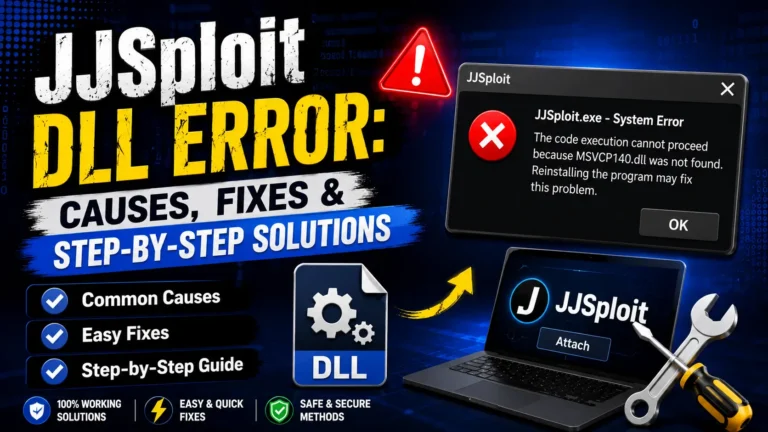
If you see a message naming a specific file such as VCRUNTIME140.dll or MSVCP140.dll, this is confirmed as the cause. A message naming a different DLL is covered in the DLL error guide.
Fix 3: Kill the Stuck JJSploit Process
If JJSploit crashed or was closed while Roblox was still attached, its process can stay alive invisibly. Every new launch sees the old instance and exits immediately, so it looks like the app refuses to open.
- Press Ctrl + Shift + Esc to open Task Manager.
- On the Processes tab, find any entry named JJSploit. Check the Details tab too.
- Select it and click End task. Do the same for any leftover RobloxPlayerBeta.exe.
- Wait about 30 seconds, then open JJSploit again. A full restart of Windows does the same job if you prefer.
Fix 4: Stuck on the Loading or Updating Screen
JJSploit checks WeAreDevs for an update every time it starts. If that check cannot complete, the launcher sits on its loading screen or closes. Three things cause it: Roblox updated and the new JJSploit build is not out yet, the update server is slow or being blocked on your network, or your antivirus or firewall is stopping the connection. WeAreDevs’ own advice for updates that do not arrive is to try again in 10 to 30 minutes, check antivirus, or use a VPN.
- Check the status page and the version on wearedevs.net. If Roblox updated today, wait for the patch.
- Temporarily disable the firewall component of your antivirus, launch JJSploit, then re-enable it once the update completes.
- If your ISP or school network blocks the WeAreDevs domain, a VPN or a phone hotspot lets the update finish. Switch back afterwards.
Fix 5: Clean Reinstall
A reinstall fixes a corrupted or half-deleted install, which is common after an antivirus clean-up or an interrupted update. Do it properly, not just by running the installer over the top.
- End any JJSploit process in Task Manager (Fix 3).
- Uninstall JJSploit from Settings → Apps, then delete the leftover folder. The usual location is
%LOCALAPPDATA%: paste that into the File Explorer address bar and look for a JJSploit or WeAreDevs folder. - Add the antivirus exclusion before reinstalling, so the new files are not removed on first launch.
- Download the current installer (v8.23.4, about 14 MB) from the JJSploit download page or directly from WeAreDevs, and compare the SHA-256 checksum shown there before running it.
- Right-click the installer and choose Run as administrator.
Fix 6: Windows SmartScreen and “Run as Administrator”
On a first launch Windows may show “Windows protected your PC” because the publisher is not recognised. That is SmartScreen, not an antivirus detection. Click More info → Run anyway. Separately, JJSploit needs enough privileges to inject into another process; if your account is a standard (non-admin) user, right-click the JJSploit shortcut and choose Run as administrator, or set that permanently under Properties → Compatibility → Run this program as an administrator.
Things That Look Like “Not Opening” but Are Not
- Microsoft Store Roblox. JJSploit opens fine but will never attach to the Store version. Use the Roblox website installer. Details in the requirements guide.
- Roblox closes when you attach. That is an attach-time crash, covered in the crashing guide.
- Download that will not finish. If you never got the installer in the first place, see JJSploit won’t download.
- Copied from another PC. The install folder is tied to that machine’s runtime and update state. Install fresh instead of copying.
How We Checked This
The causes above come from WeAreDevs’ official JJSploit page (which names antivirus interference, the Visual C++ runtime, and update-server delays), from the recurring reports on its forum after Roblox updates, and from the fixes users there report as actually resolving the problem. Where we could not confirm a cause, we left it out. We have not invented success rates or timing figures. Anything here can change when JJSploit or Windows updates; this page was last reviewed in November 2026.
FAQs About JJSploit Not Opening
Why does JJSploit open and close immediately?
Usually a missing Visual C++ runtime (Fix 2) or a file removed by antivirus (Fix 1). A window that appears for a split second and vanishes is the classic sign of a missing runtime DLL.
JJSploit is not opening after a Roblox update. Is it broken?
Probably for everyone, not just you. The launcher waits for the matching WeAreDevs build. Check the status page and try again later rather than reinstalling; the installer gives you the same build that is waiting.
Does JJSploit need to run as administrator?
It works best that way. Injection into Roblox needs elevated rights, and some launch failures on standard user accounts disappear when you run it as administrator.
Will an older JJSploit version open when the new one will not?
It may open, but it cannot attach to the current Roblox client, so it solves nothing. Fix the current version instead.
Could the file I downloaded be the problem?
Yes, if it came from a clone site. A repackaged installer may not open at all, or may open something that is not JJSploit. Compare the SHA-256 on the download page and read Is JJSploit safe? before trusting any download.
Conclusion
When JJSploit will not open, start with the antivirus quarantine, then the Visual C++ runtime, then a stuck process; those three cover most cases. If the launcher is hanging on its update screen right after a Roblox update, the fix is patience, not reinstalling. Once it opens but refuses to attach, you have a different problem, and the JJSploit not working hub routes you to the right guide.